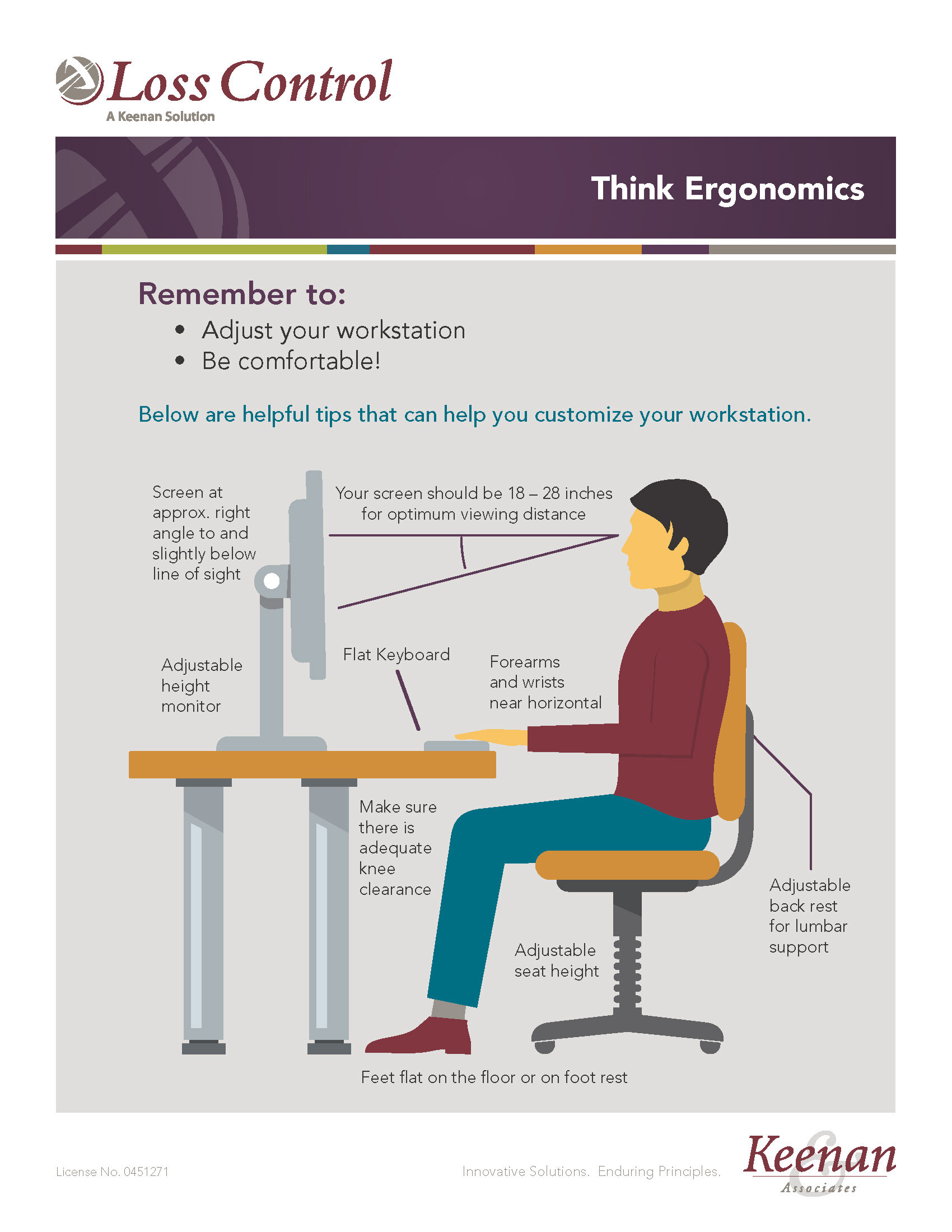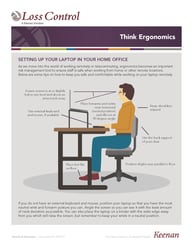






An ergonomic evaluation helps identify sources of discomfort and recommends adjustments to improve posture, workstation set-up, work habits, and equipment use. The goal is to reduce or eliminate ergonomic hazards.
Before Your Evaluation
-
Risk Management requests employees interested in an ergonomic evaluation to read the Easy Ergonomics for Desktop Computer user guide.
-
Use the guide to adjust your workstation by following action items 1-11 on pages 5-6
-
Pages 9-32 provide a detailed breakdown of each action item and how to complete it.
To Request an Ergonomic Evaluation
- Email riskmanagment@peralta.edu
- Please include the following information in your email:
- Employee name, job title, contact information, supervisor's name, campus, and office location
- If you have a doctor's note recommending an ergonomic evaluation, please attach it.
Next Steps
- Risk management will contact you
- Then, an in-person ergonomic evaluation will be scheduled
- Equipment recommendations are made by ergonomic specialists; we do not accept employee-suggested equipment requests
- All recommendations will be tailored to your individual workstation